zywell zm04wd label maker linerless printing without backing p | Shop The World
From USA
NewZYWELL
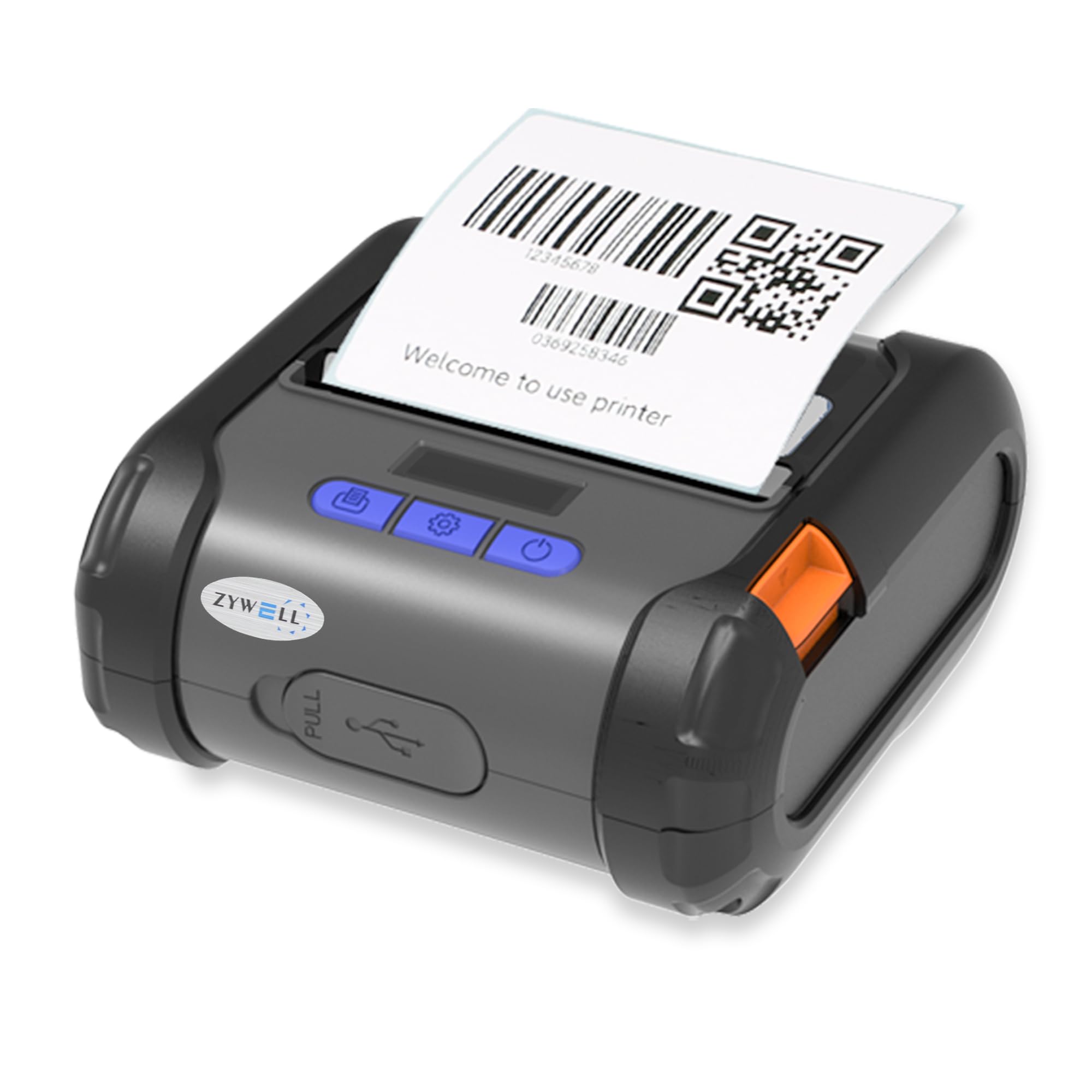
ZYWELL ZM04WD Label Maker linerless Printing Without Backing Paper, Receipt Print & Label Print Two-in-One 58mm/80mm Bluetooth Printer,Mini Wireless Use for Android/Win/Linux
ℹ
Products from the USA may come with an input voltage of 110V–120V, requiring a step-down transformer. Check the device wattage to select the correct power converter.
•VERSATILE PRINTER:The ZM04WD Receipt and Label Printer supports linerless printing, label printing and receipt printing with a paper width of 58 mm/ 80 mm and a maximum diameter of 40 mm.
•IMMEDIATE STICKY:Bottomless paper has its own adhesive, can be directly pasted after printing, compared with the use of ordinary label paper, bottomless paper printing to save the time to tear off the liner, greatly improving work efficiency
•NOTE:ZM04WD is a label printer with receipt printing functionality. Receipt print mode only supports Android APP:Loyverse(Android) and W&O POS. NOT compatible with iOS, iPhone, iPad, Mac, wifi.
•Important for iOS:ZM04 printer does not work with other iOS applications, it is fully compatible with our dedicated "EMLabel" app. Simply download "EMLabel" from the Apple Store to connect via Bluetooth(NO USB) and print your labels or receipts.
•FLEXIBLE TEARING: Supports customised tearing length to avoid waste, eliminating the need for frequent roll changes, improving seamless printing efficiency in both retail and warehouse scenarios, and reducing manual intervention
•MINI PORTABLE:The printer is small and portable, weighing only 1 lb, can be put into the pocket, to meet the logistics of mobile printing needs, flexible response to multi-environmental operations
•GREEN PRINTING:Bottomless paper design avoids liner disposal, reduces paper waste and transport and storage costs, reduces CO2 emissions and liner waste disposal costs, and realises green production
•Mode Switch: Please choose “Command Mode” and receipt mode is “ ESC”, label mode is “TCPL”,face sheet mode is "CPCL", and note that selecting the wrong command will not print; When receipt paper need to replace the 58mm paper roll, select “Paper 58mm”, and then select “NO/YES”
 From USA